
The short answer
Website maintenance is two kinds of work. The jobs that keep a site working: software and security updates, backups you can actually restore, renewals, and a watch on whether the site is up and its forms still arrive. The jobs that keep it earning: changes when your business changes, fixes for what visitors trip on, and keeping what search engines and AI answers say about you current. A monthly plan that only does the first half is hosting with a nicer name.
On Wix or Squarespace, the platform does most of the first half for you. On a WordPress site you host yourself, or a site written in code, someone has to. The second half is yours on any platform, unless you pay for help.
What does website maintenance include?
Hold any quote against this table. The first six rows keep the site working; the last two keep it earning.
| Job | How often | If nobody does it | Do Wix and Squarespace do it? |
|---|---|---|---|
| Software and security updates | As they’re released | Old software stops getting fixes. WordPress: “Older versions of WordPress are not maintained with security updates.”1 | Yes. The software runs on their servers, and they keep it current: Wix lists “automatic updates” among its features,2 and Squarespace says it “implements and maintains” its security measures.3 |
| Backups you can restore | Regularly, and before every update | A bad update or a break-in leaves nothing to go back to. CISA, the US cybersecurity agency, says to “regularly test the availability and integrity of backups.”4 | Partly. Wix keeps a site history you can restore from.5 Squarespace exports only “certain content.”6 Keep your own copy of your words and photos. |
| Domain renewal | At each renewal; for .com and other generic domains, registrars must remind you about a month and a week before7 | Your website and email stop working.* | For a domain you registered through them, while the card on file works. |
| HTTPS certificate | Check monthly | Chrome marks the site “Not secure.”8 | Yes, for a domain connected correctly.3, 9 |
| Watching uptime and forms | Uptime all the time, by a monitoring tool; forms monthly and after any change | You hear about it from a customer, or never. | Partly. Both run their servers and a security team around the clock.3, 9 Neither knows your form now sends to an old address. |
| Search Console messages | Monthly | A hacked site can appear “with a warning label in search results.”10 | No. Google reports these in your Search Console account. |
| Changes when the business changes | When it changes | The site, and anything that reads it, keeps repeating last year’s hours, prices and services. | No. On a builder, you make them. |
| Fixing what visitors trip on | A look each month | People give up without telling you why. | No. |
Do you need a website maintenance plan?
You need the jobs done. Whether you pay someone to do them comes down to what your site runs on, and how much of the earning half you’ll do yourself.
On Wix or Squarespace, the platform handles updates, certificates and its servers, so the checklist below and keeping your own pages current may be all the upkeep you need. WordPress you host yourself is half automatic. Since version 3.7, most sites install minor and security updates on their own, but “You’ll still need to click ‘Update Now’ for major feature releases.”11 Automatic updates for plugins and themes (the add-ons that extend a site) are switched on one at a time by an administrator,12 so someone has to own that list. And a site written in code is kept current by whoever wrote it, or whoever they hand it to.
Maintenance keeps a site alive. Improvement keeps it useful. A site that is only kept alive slowly falls behind the business. The services page stops matching the work, the photos show a team that has changed, and the questions people ask before they call go unanswered. No platform does that half for you, and no update will. So what does each half cost?
How much does website maintenance cost per month?
Published care plans run from $50 to $1,000 a month, and the spread comes down to which half of the table you’re paying for. At the low end you pay for hosting and someone watching. In the middle you add a set allowance of changes, often an hour a month. At the top, the fee pays for improvement: new pages, search work and a plan.
Published care plans a month, lowest to highest. TMN Creative Site Care: from $50, hosting, monitoring and backups. WP Buffs Maintain: $89, updates and backups. Nolara Studio Care: $149, adds an hour of changes. Cairn & Flint with a Foundation site: $650, a weekly check and an hour of edits. GEObros Monthly support: $500 to $1,000, new pages, search work and a plan.
| Plan | Monthly | What the page says it includes |
|---|---|---|
| TMN Creative, Site Care | From $50 | “Hosting, uptime monitoring, and backups,” with updates and support “defined in your care agreement.”13 |
| WP Buffs, Maintain | $89 | For WordPress sites: weekly updates, uptime monitoring, cloud backups four times a day and 24/7 emergency support. Its $179 plan adds “24/7 Unlimited Website Edits.”14 |
| Nolara Studio, Care | $149 | Hosting, updates, daily backups, uptime and security monitoring, and up to one hour of changes a month, which “doesn’t roll over.” Month to month.15 |
| Cairn & Flint, with a Foundation site | $650 | Hosting, a check every Friday that the site is up, its certificate valid and how fast it loads, and up to an hour of edits a month.16 |
| GEObros, Monthly support | $500 to $1,000 | Hosting in your account, updates and tested backups, edits, search and AI work, new pages “when they would help” and “A written plan every quarter.”17 |
The price alone won’t tell you which tier you’re buying, so read the list. (Build prices and three-year totals are in our guide to what a website costs.) And whichever you buy, ten minutes a month of your own is still worth spending.
A ten-minute monthly website maintenance checklist
Whoever looks after your site, run these yourself once a month. Most of it is looking, and the first step catches the failure nobody reports.
- Send your own contact form, and check it arrives where you expect, not in spam.
- On your phone, tap your phone number and your email link. Both should open the right app with the right details.
- Look at the address bar. If Chrome shows “Not secure” beside your address, the site isn’t using HTTPS, and only the site owner can fix that.8
- Open Search Console and read any messages. If Google takes a manual action against your site, it says so “in the Manual actions report and in the Search Console message center.”18
- Log in to your registrar. Check the domain’s renewal date, that auto-renew is on, that the card on file is current and that the email on the account is yours.
- Read your hours, prices and services as a customer would. If anything is out of date, change it, and change it on your Google Business Profile too.
Is your website maintenance plan worth what you pay?
Probably not, if you can’t say what was done last month, if a small change takes weeks, or if you don’t have your own logins to the domain, the hosting and Search Console. The first is the one we’d weigh most. A plan you can’t see working is hard to tell apart from plain hosting.
Before you sign one, get answers to these in writing.
- What exactly is included, and what costs extra?
- How do I ask for a change, and how long does a small one take?
- Who holds the accounts: the domain, the hosting, Search Console?
- How will I know what was done each month?
- What happens to the site if I stop paying? Terms differ: Nolara’s Care “can be cancelled with 30 days’ notice,”15 and GEObros says “Cancel any month.”17 What you keep afterwards is a separate question, covered in who owns your website.
More to ask before you hire anyone is in questions to ask a web designer.
Questions
Does a brand-new website need maintenance?
Yes, from the day it launches. Updates and renewals start at once, and the first few months are when you find out which pages people use and which questions they still ask.
Can someone maintain a site they didn’t build?
Often, yes, but expect them to look first. Nolara’s answer to that question is “Sometimes,” after a review of whether the site is “worth maintaining or better to rebuild.”15
What happens to my site if I cancel the plan?
That comes down to whose account the hosting and domain are in. If they’re yours, the site stays up and the care stops; if they’re the studio’s, read the contract before you cancel. This is general information, not legal advice.
Is a maintenance plan the same as SEO?
No. Maintenance keeps the basics in order: HTTPS, no security warnings, pages that load. Work that helps you get found, such as new pages and better answers, is improvement, and plans that include it, like GEObros’, say so.17
Where we come in
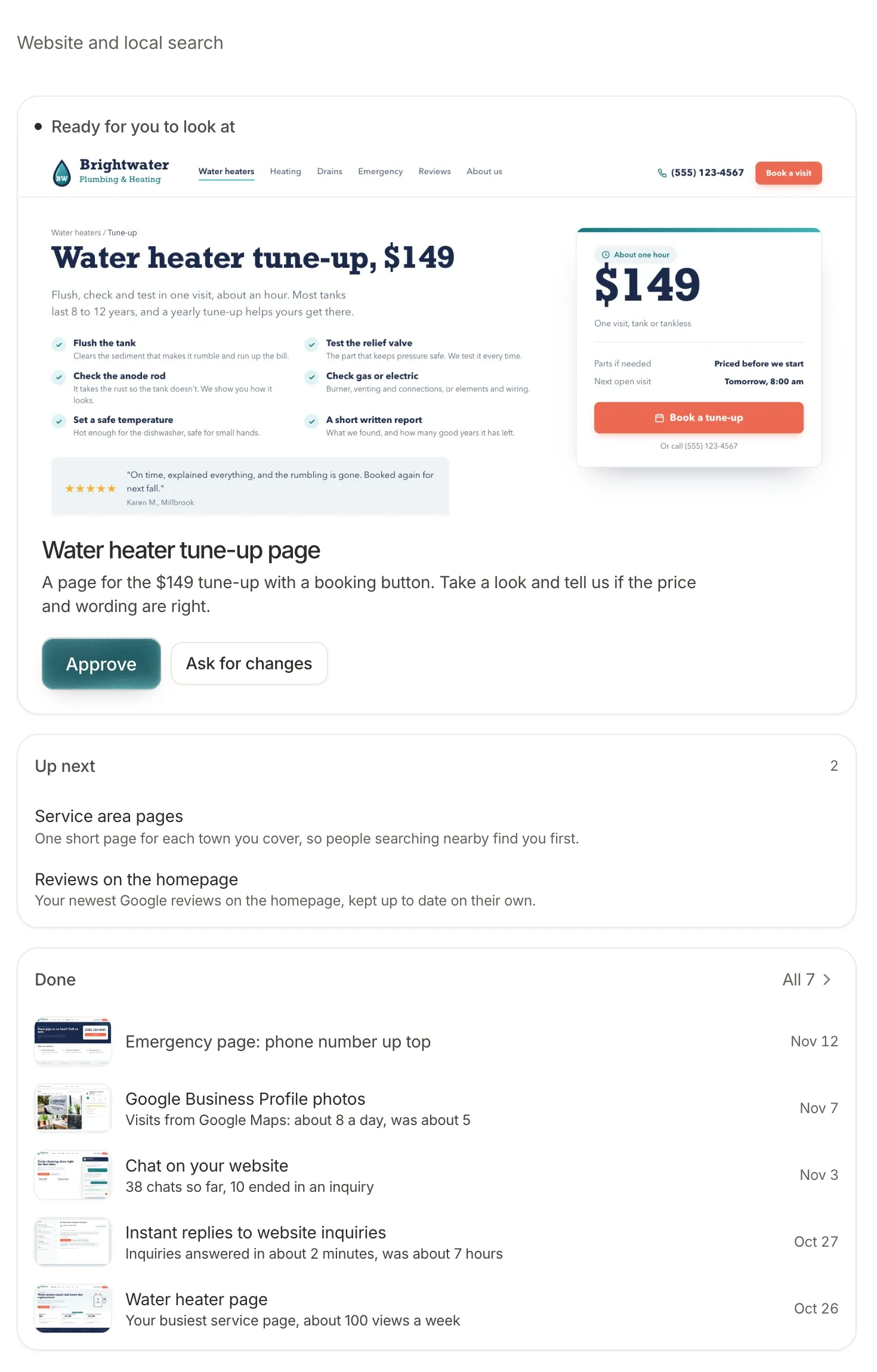
After launch we look after what we built and go on improving it: both halves of the table. That care costs $750 a month, and our pricing page lists what it covers. When something needs to change, you write to the people who built it, hear back within a business day, and see what changed in your client portal, like the screenshot above. The code, the domain and the words are yours from the first day, and if your own team would rather run it, we’ll train them to. If a builder and ten minutes a month would serve you better, that’s what we’ll tell you: see how we compare with a template.
Where these numbers come from
We opened every page below on 17 November 2026 and quoted it as written. Prices are each company’s published monthly price on that date, not quotes: what you’re quoted depends on your site. Platform claims about their own products are labeled as theirs.
- ICANN, “5 Things every Domain Name Registrant should know about ICANN’s Expired Registration Recovery Policy (ERRP).” icann.org, read 17 November 2026.
- ICANN, “Expired Registration Recovery Policy,” updated 21 February 2024. icann.org, read 17 November 2026.
- WordPress Developer Resources, “Hardening WordPress.” developer.wordpress.org, read 17 November 2026.
- WordPress Documentation, “Updating WordPress.” wordpress.org, read 17 November 2026.
- WordPress Documentation, “Plugin and themes auto-updates.” wordpress.org, read 17 November 2026.
- CISA, “#StopRansomware Guide.” cisa.gov, read 17 November 2026.
- Wix, “Wix vs WordPress.” wix.com, read 17 November 2026.
- Wix Help Center, “Viewing and Managing Your Site History.” support.wix.com, read 17 November 2026.
- Wix Help Center, “Wix Security Measures Overview.” support.wix.com, read 17 November 2026.
- Squarespace, “Security.” squarespace.com, read 17 November 2026.
- Squarespace Help Center, “Export your site content.” support.squarespace.com, read 17 November 2026.
- Google Chrome Help, “Check if a site’s connection is secure.” support.google.com, read 17 November 2026.
- Search Console Help, “Security issues report.” support.google.com, read 17 November 2026.
- Search Console Help, “Manual actions report.” support.google.com, read 17 November 2026.
- TMN Creative, website packages and Site Care. tmncreative.com, as published on 17 November 2026.
- WP Buffs, “WordPress Care Plans & Maintenance Packages.” wpbuffs.com, as published on 17 November 2026.
- Nolara Studio, “Website care.” nolarastudio.com, as published on 17 November 2026.
- Cairn & Flint, “Web Design.” cairnandflint.com, as published on 17 November 2026.
- GEObros, services and pricing. geobros.ai, as published on 17 November 2026.